
Firmware upgrade Canon EOS 7D
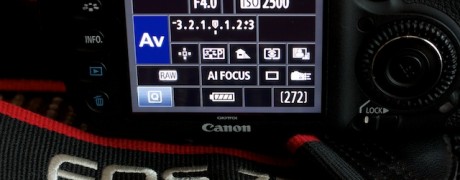
Upgrading firmware on a DSLR camera is completely new experience for me. Canon has released new firmware for my Canon EOS 7D and today I will install it.
I prefer Canon’s USA website to visit and download software. Canon has created a special page dedicated for the new 2.x firmware where they summarize the new features and provide a comparison from the previous version.
With the current version I have no issues, still I believe to follow the latest updates in general. 7D has professional features and keeping up with the latest firmware ensures the best performance and stability.
Steps to upgrade
- Download firmware from Canon’s official website
- Copy the
.firfile to an empty, formatted memory card - Insert the card in the camera
- Navigate to the firmware update option in the camera menu
- Follow the on-screen instructions
The process takes only a few minutes and the camera restarts automatically when complete.